PrivateGPT – Running “ChatGPT” offline on local documents
You can download the GPT model and interrogate local files using Python without having to send any data to the cloud. PrivateGPT is a python script to interrogate local files using GPT4ALL, an open source large language model. It is pretty straight forward to set up:
- Clone the repo
- Download the LLM – about 10GB – and place it in a new folder called
models. - Place the documents you want to interrogate into the
source_documentsfolder – by default, there’s a text of the last US state of the union in there. - Run the
ingest.pyscript – this can a long time. On this MacBook M1 it was 2 minutes though - Run the
privateGPT.pyscript and you get a prompt in your Terminal:
I asked it what the US president has to say about the situation in the Ukraine and it gave me a synopsis and where in the document the information is from. 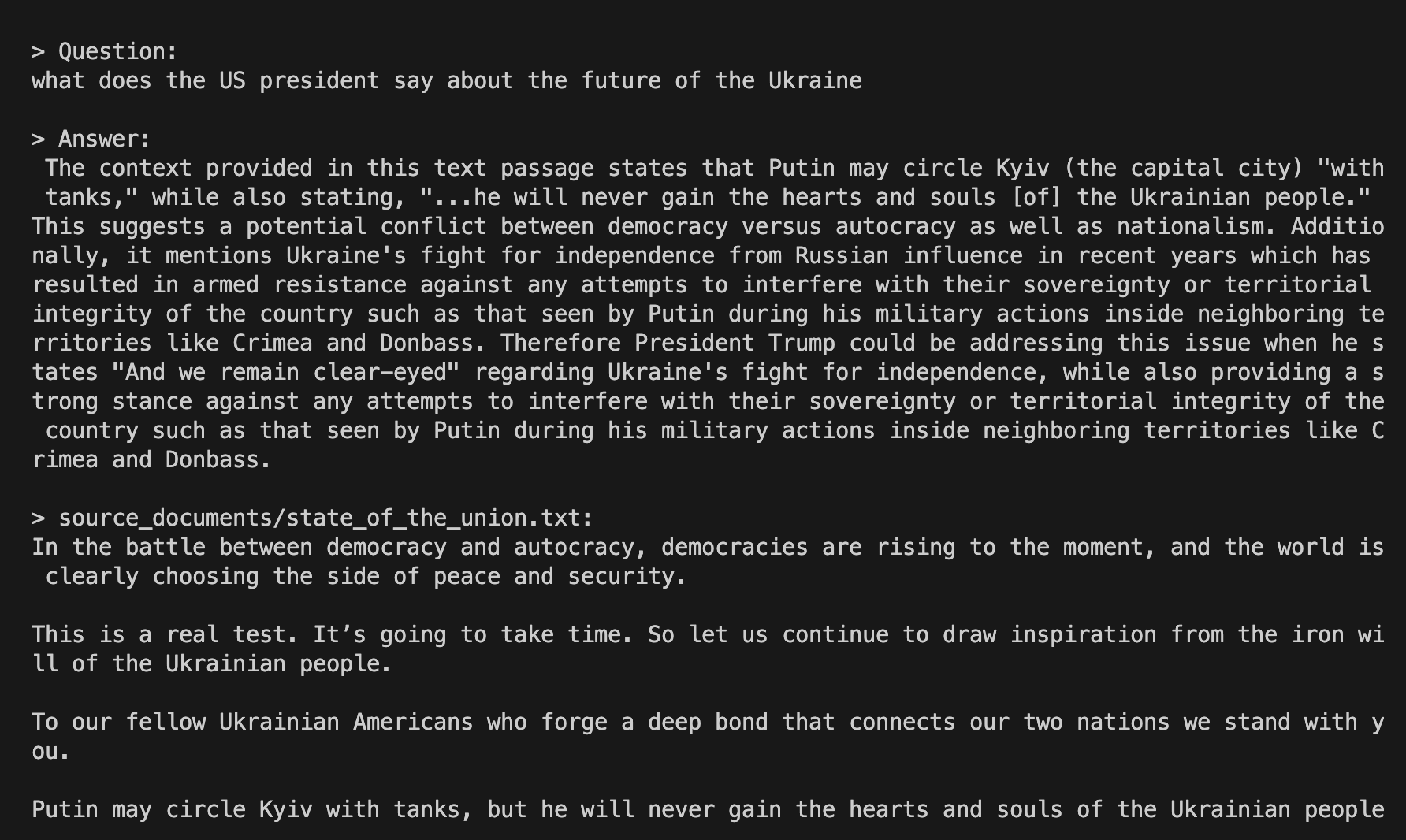 Neat!
Neat!